NBA2K Mobile User Journey Design
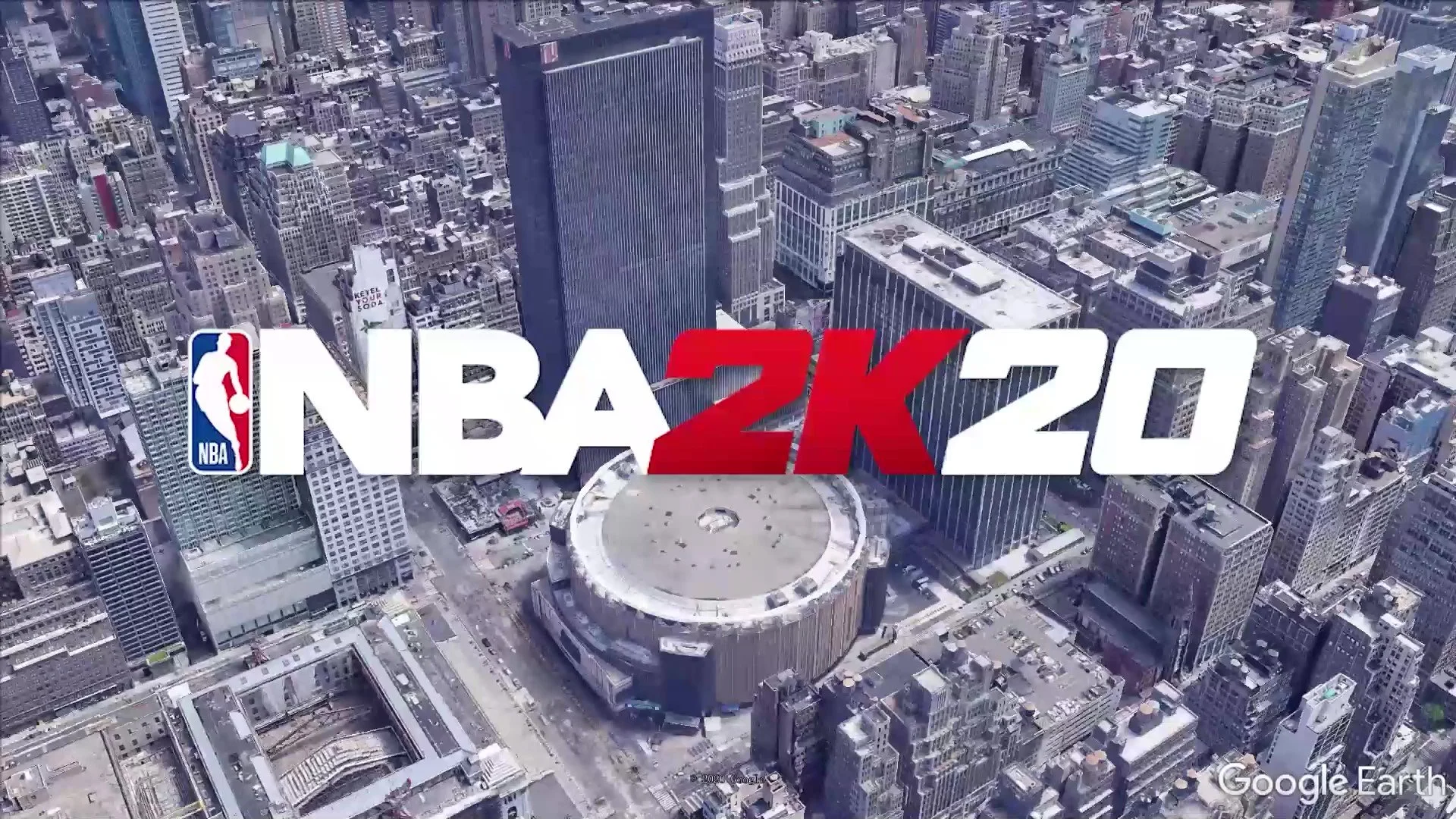
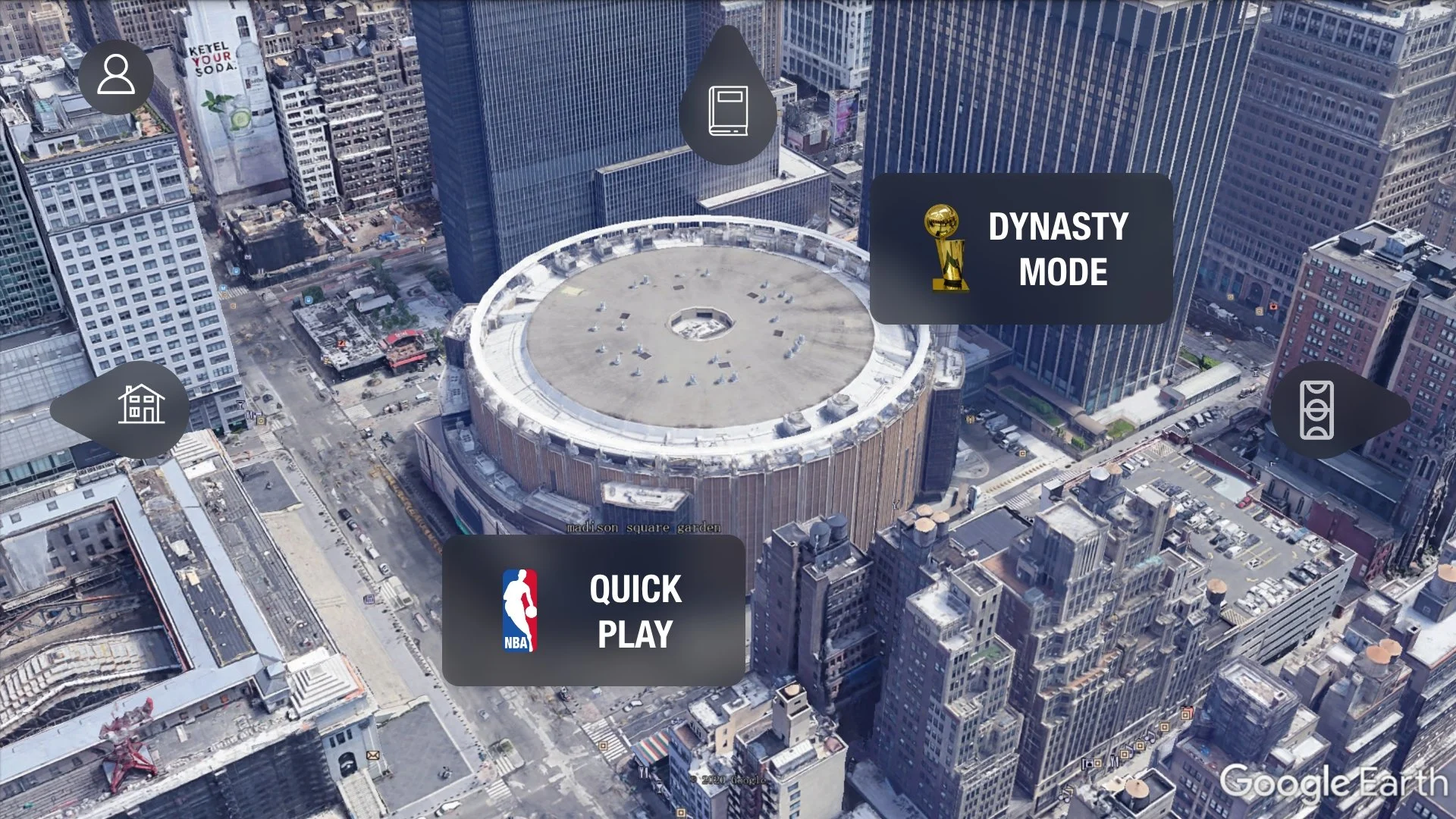
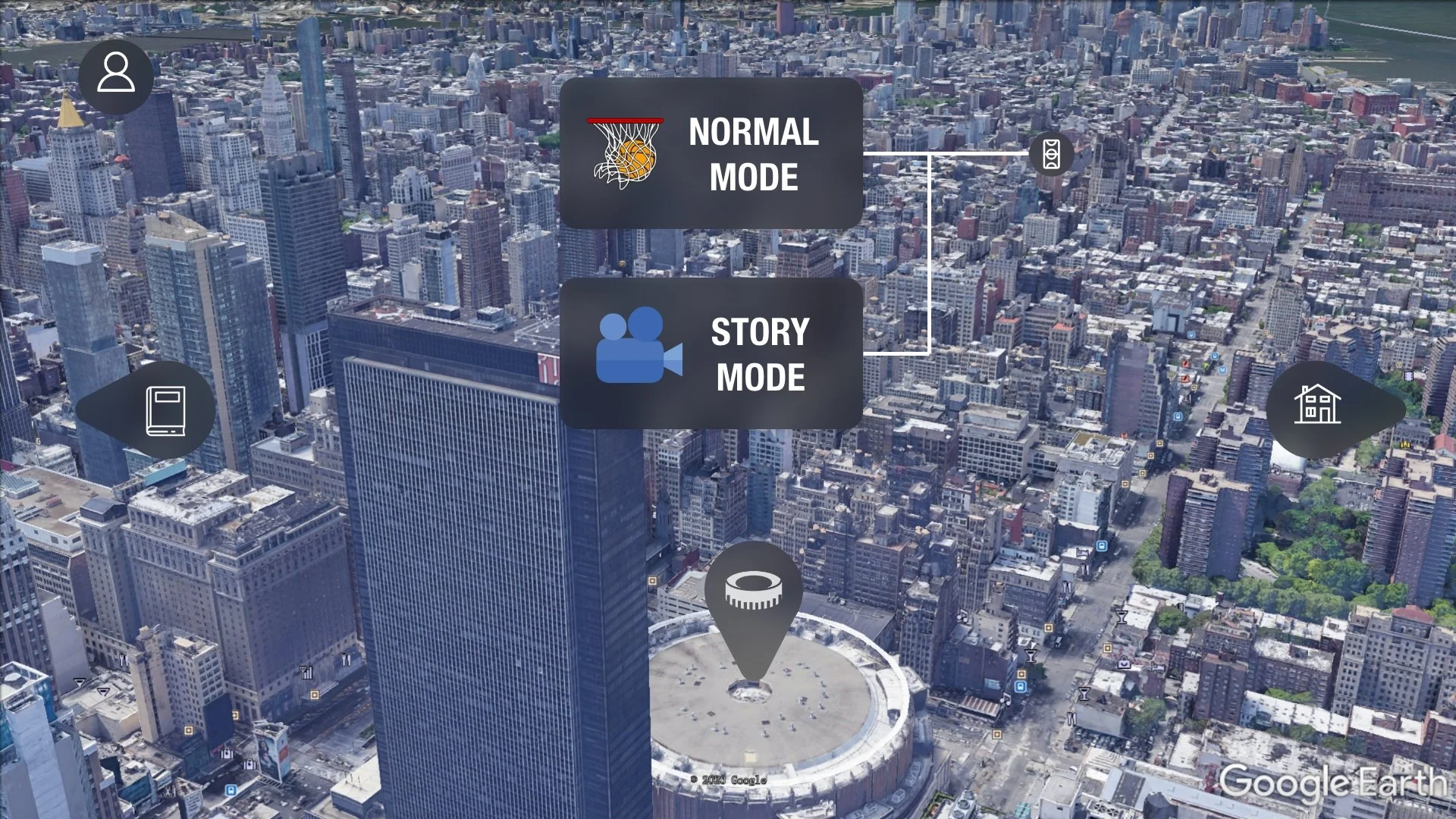
This reimagined interface for NBA2K20 Mobile transforms the player’s experience by incorporating a storytelling aspect. Players now navigate the game as an NBA athlete, with each mode entrance integrated into a cityscape—reflecting the cultural essence of the NBA.
Game Modes
Career Mode: Players access this mode through the “Apartment” map cursor. By clicking or swiping right, they seamlessly enter the mode, emphasizing an intuitive navigation system. Story Mode: The “Library” map cursor directs players to this mode. A simple click or upward swipe brings the player into the storytelling experience. Quickplay Mode: Embedded in the secondary “Arena” menu, this mode allows players to jump directly into gameplay with minimal effort. Dynasty Mode: Also part of the secondary “Arena” menu, this mode enables players to manage their teams and dive into dynamic challenges within the arena. Street Mode: The “Street Stadium” map cursor lets players explore this mode by clicking or swiping left, connecting the urban setting to the street basketball culture.
UI Innovations
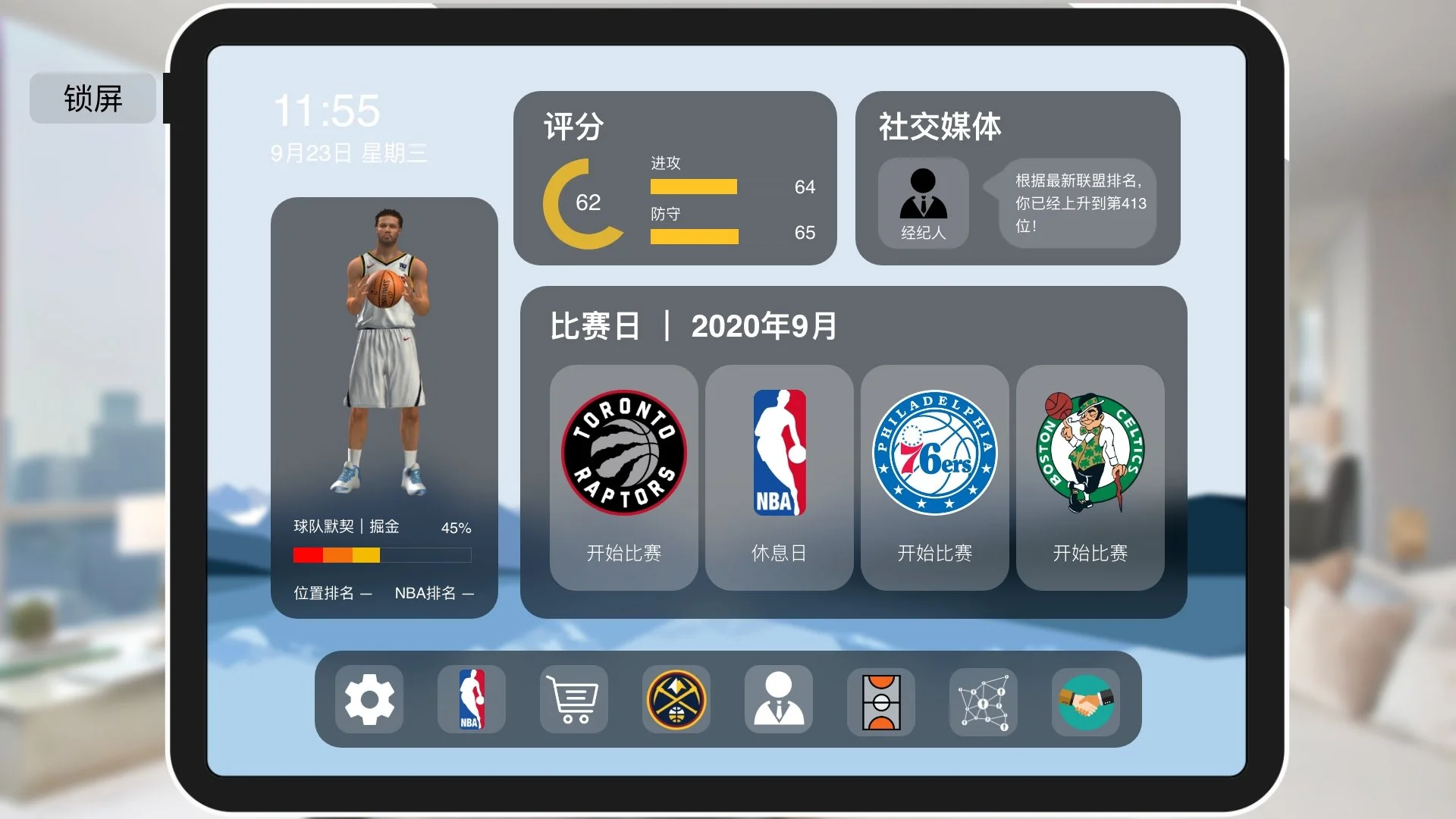
iPad-inspired Information Section: The entire player data and game details are presented through an interactive iPad-like interface. The lock screen button serves as a return function, ensuring seamless navigation back to the city view.
Dock Bar Functionality: Similar to an iPad’s dock bar, this feature houses secondary functions, providing easy access to lower-priority tasks without overwhelming the main interface.
Team Data and Game Overview
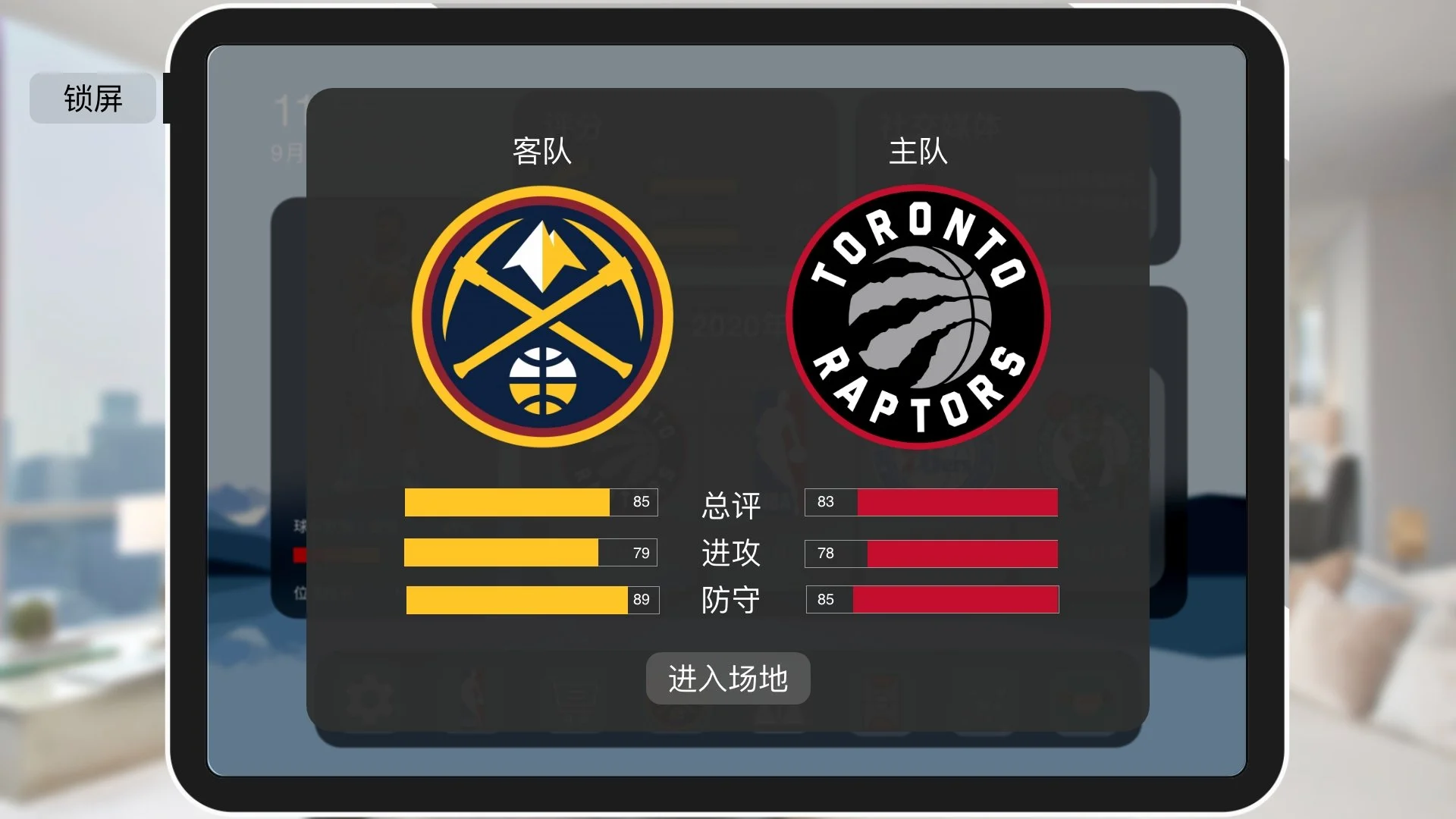
Team Data Display: Before entering a match, the interface presents detailed stats for both competing teams, including overall ratings, offensive capabilities, and defensive strengths. This allows players to strategize before starting the game.
Arena Entry: Players seamlessly transition into the “Arena” by clicking the designated button, streamlining the process of starting a match.
Navigation: Players can return to the previous interface by clicking on the blank area of the iPad screen, maintaining an intuitive and minimalistic navigation flow.
Post-Game Summary
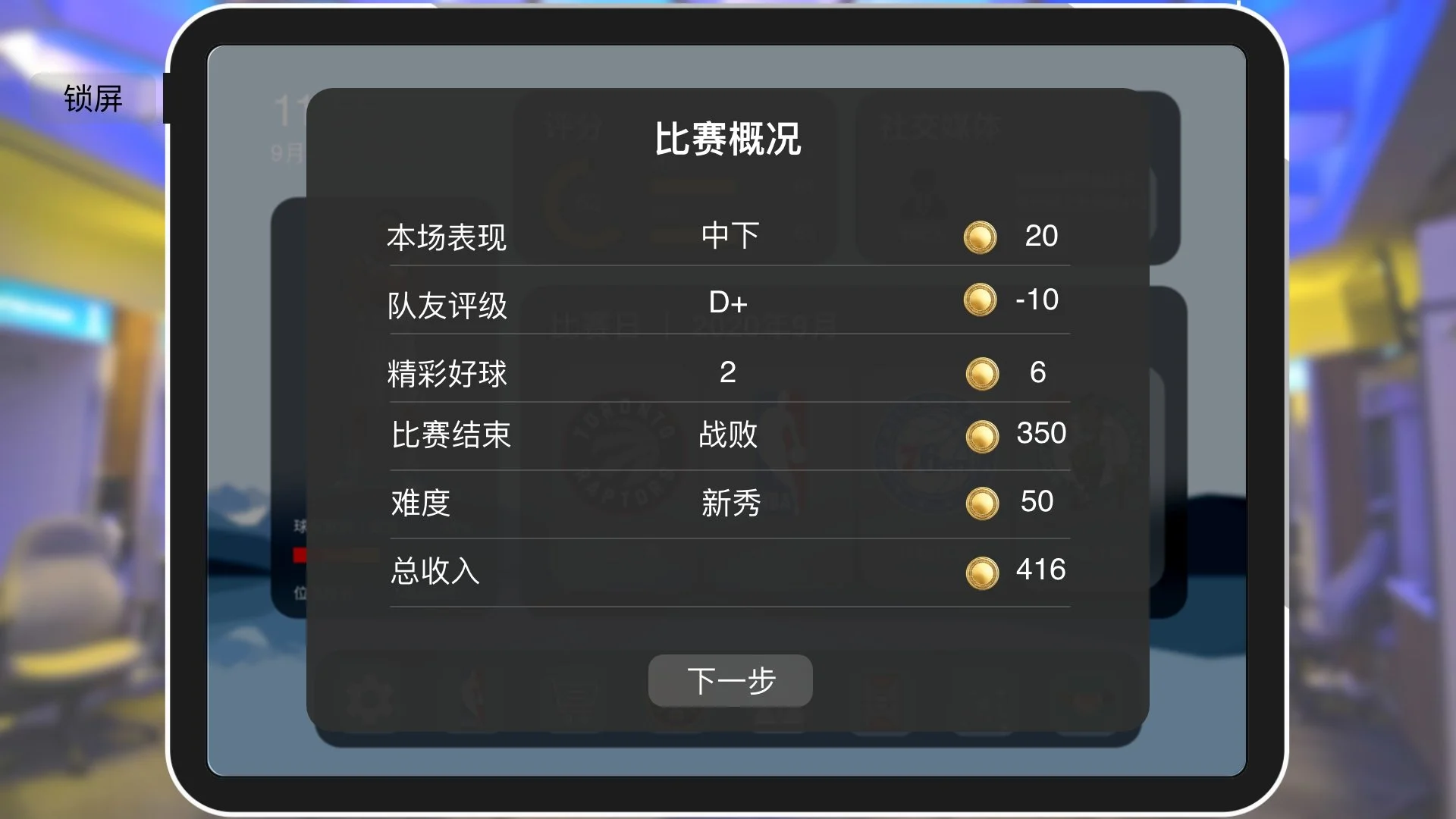
Performance Overview: After completing a match in Career Mode, players receive a detailed breakdown of their performance, including team grades, highlight plays, match outcomes, difficulty levels, and overall rewards.
Gold Coin System: The system transparently informs players of gold coin additions and subtractions based on their in-game performance, fostering clear feedback and player engagement.
Data Progression: Players can proceed to the next detailed statistics page by clicking the “Next” button, ensuring a smooth and logical progression in the user experience.
Game Data and Secondary Menu
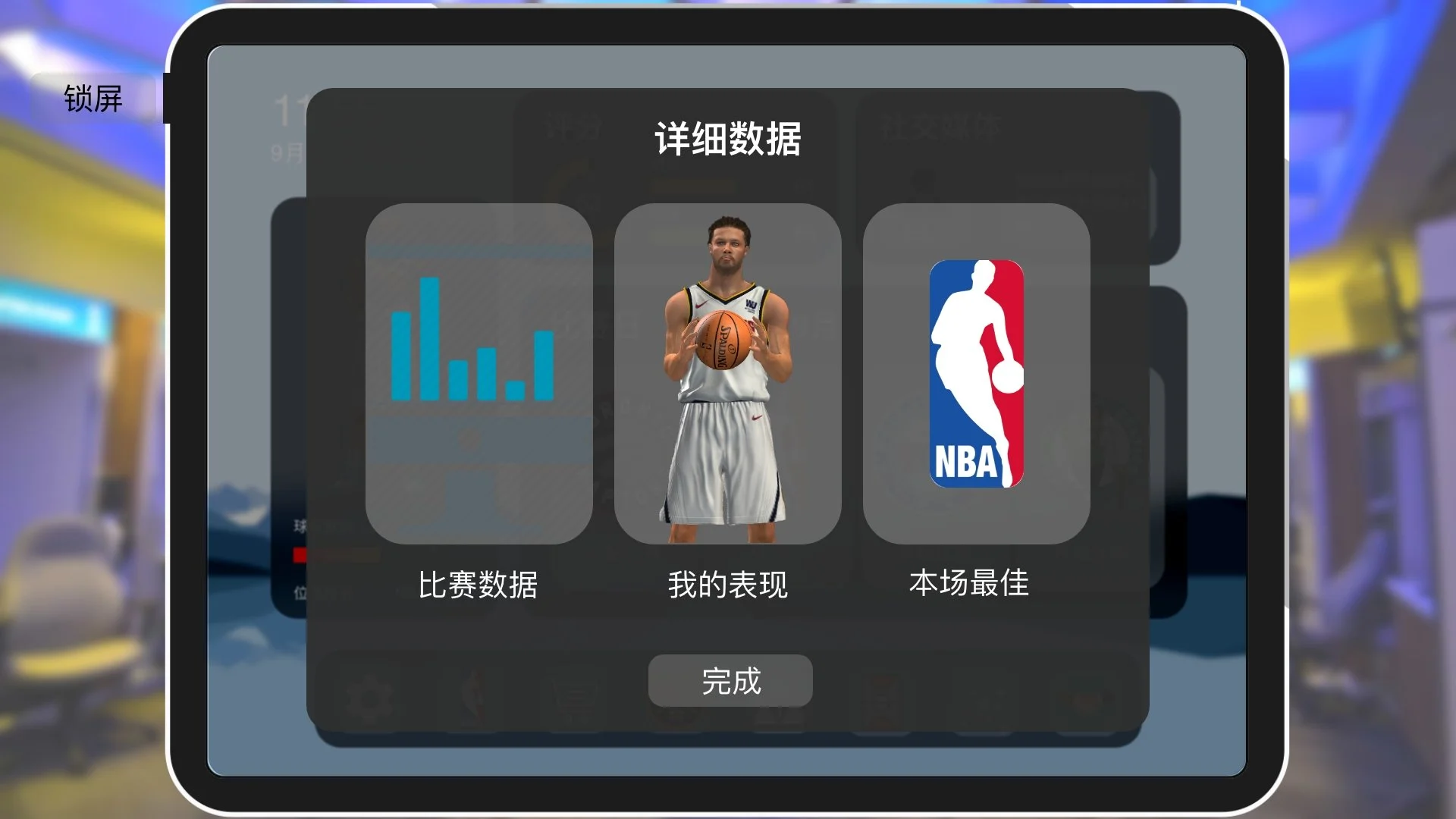
Game Data Display: After a match concludes, players can review detailed game stats, including performance breakdowns and key highlights. This feature provides valuable insights into gameplay.
Performance Review: Players can access their detailed individual performance metrics and view the game’s best highlights, fostering engagement and self-improvement.
Navigation: A “Finish” button allows players to return to the main iPad interface seamlessly.
Secondary Main Menu
Secondary Menu: When players swipe in specific directions, the secondary menu for that game mode is displayed, enabling easy access to additional features.
Street Mode Team Selection
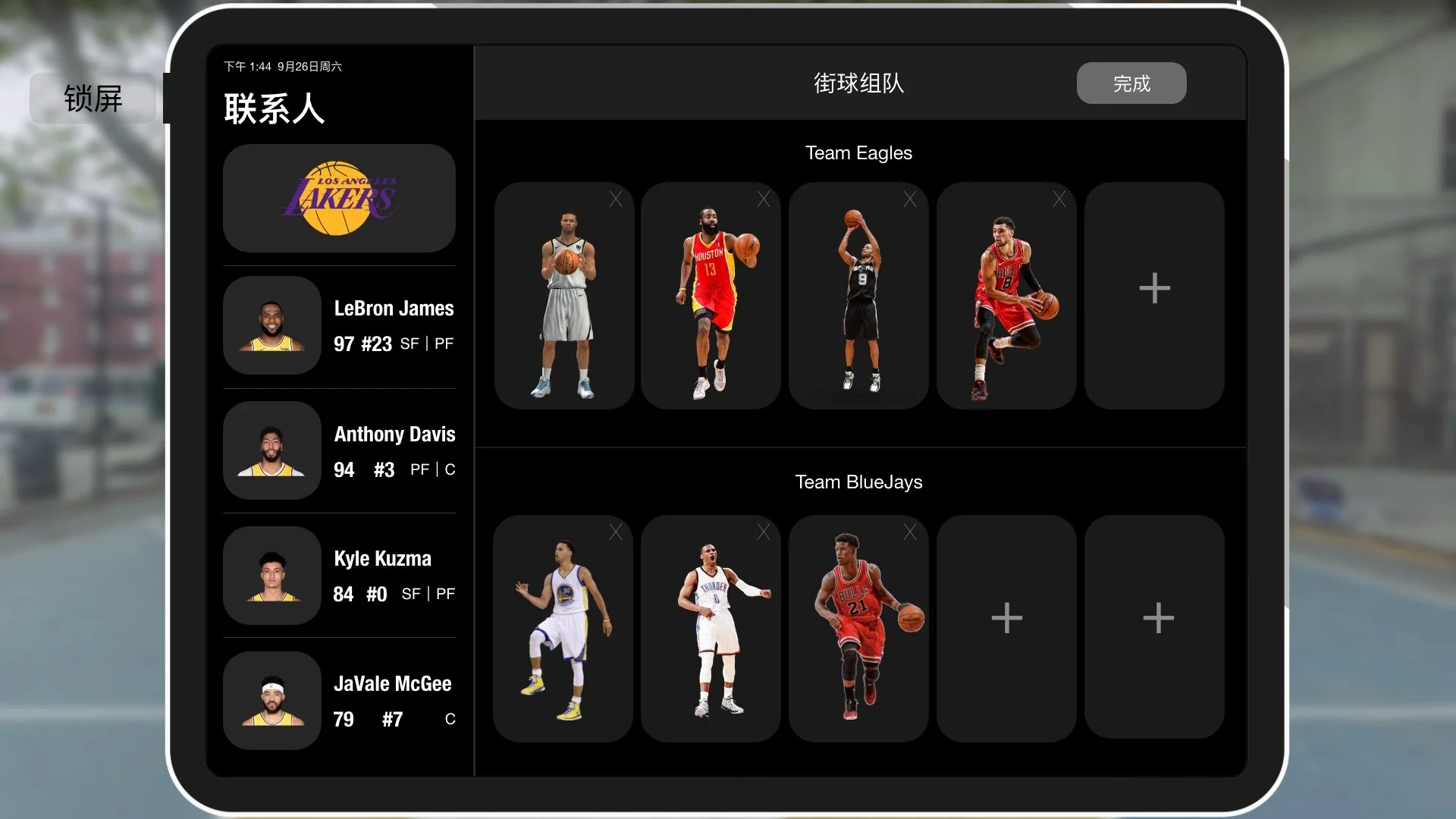
Team Selection: Players tap the add button to join a team and select players from the team list on the left, sorted by performance scores. This functionality simplifies team management.
Lineup Display: The interface clearly shows the player’s current lineup, allowing for easy adjustments.
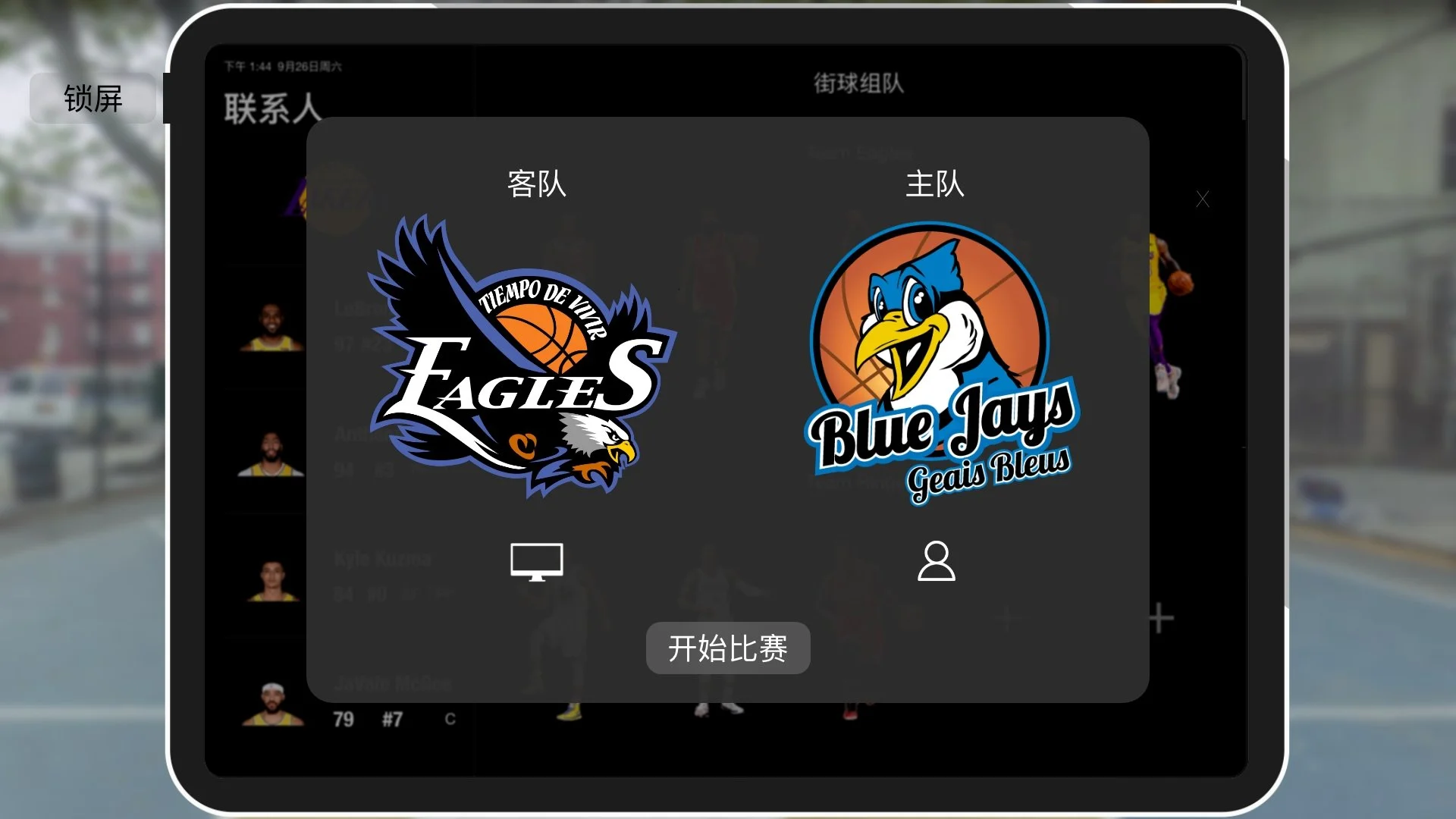
Match Initiation
Confirmation and Match Start: Once the lineup is finalized, players click “Done” to confirm their team. A final confirmation screen presents the opposing and selected teams, enabling the player to start the match.